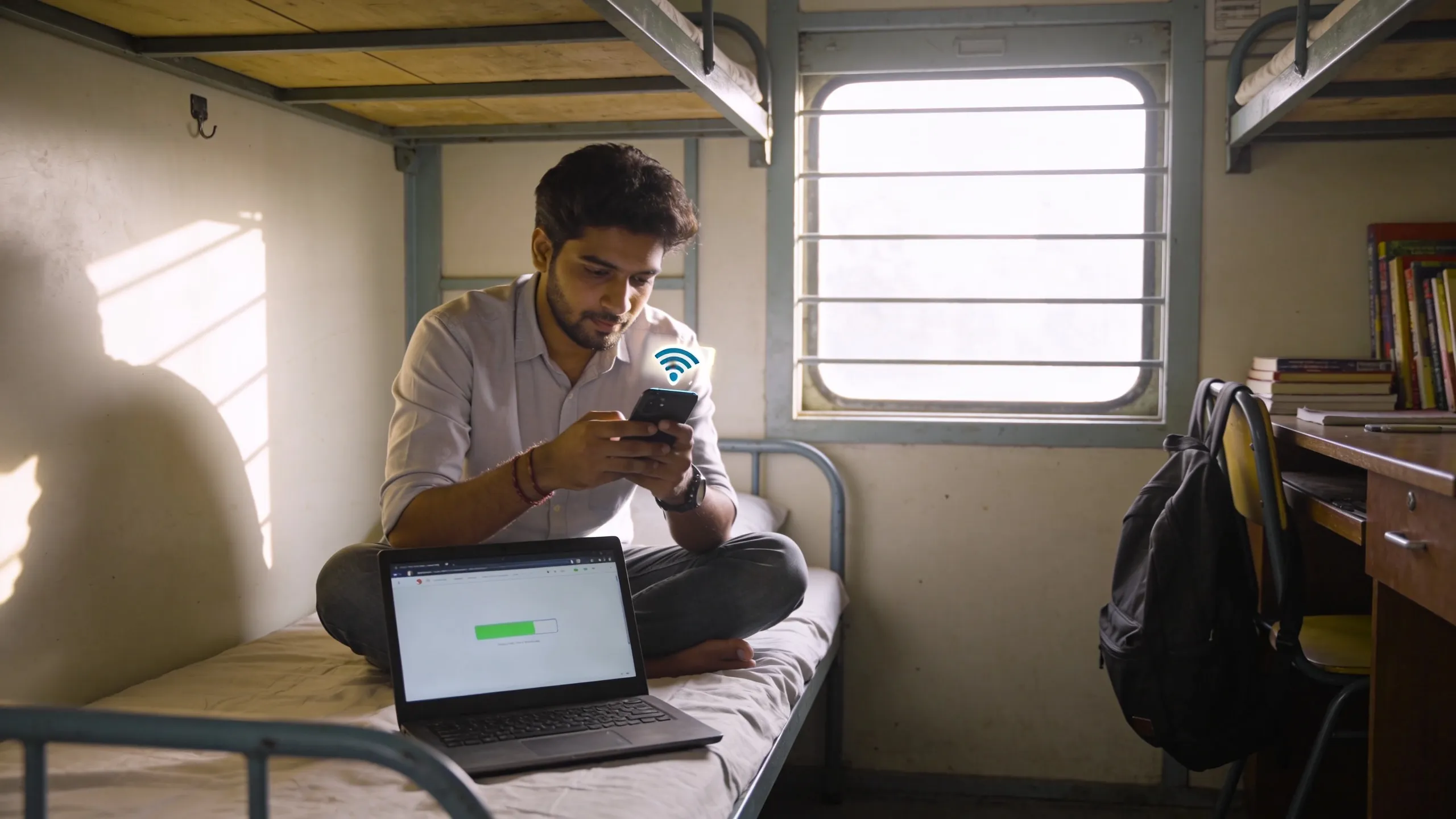

Your hostel promised "high-speed WiFi" on the listing. You moved in and the speed barely loads WhatsApp images. This is the most common complaint across Indian hostels, from university dorms to private PGs. This hostel WiFi slow fix tips India guide covers what to try first, what to buy if it doesn't improve, and when to push back on management.
Before you spend money on a dongle or extender, run a proper diagnosis. Most hostel WiFi problems have a fixable cause, wrong band, bad placement, too many devices, or a cheap router handling 50 students on a plan meant for 10.
Step 1, Run a Speed Test and Know Your Numbers
Open fast. Com or speedtest. Net on your laptop or phone. Run the test three times at different hours, morning, afternoon, and 10 PM (peak usage). Note down:
- Download speed, anything below 5 Mbps makes video calls painful
- Upload speed, matters for online classes and file uploads
- Ping/latency, above 100ms means lag in video calls and gaming
What the numbers mean:
| Speed | What You Can Do | What Breaks |
|---|---|---|
| 1-3 Mbps | WhatsApp, email | Video calls, streaming |
| 5-10 Mbps | HD streaming, video calls | Multiple devices struggle |
| 15-25 Mbps | Smooth for most tasks | Large downloads still slow |
| 25+ Mbps | Everything works | Nothing, you are fine |
If your hostel delivers 5+ Mbps consistently, the WiFi is fine; your problem is likely device-side. If it drops below 3 Mbps during peak hours, the issue is the hostel's connection or router setup.
Step 2, Fix What You Can Without Spending Money
Try these before buying anything:
Switch to 5 GHz band. Most dual-band routers broadcast two networks, one ending in "5G" or "5GHz." The 5 GHz band is faster but has shorter range. If you're within 10 metres of the router, switch to it. It's less congested because most students connect to the default 2.4 GHz network.
Move closer to the router. WiFi signal drops sharply through concrete walls. Indian hostels have thick walls. If the router is two rooms away, your speed could be 20% of what it delivers next to it. Study in the common room near the router when you need fast internet.
Disconnect unused devices. If your phone, tablet, and old phone are all connected, they compete for bandwidth even when idle. Disconnect what you're not using.
Clear your DNS cache. On Windows: open Command Prompt and type `ipconfig /flushdns`. On Mac: open Terminal and type `sudo dscacheutil -flushcache`. This fixes some slow-loading website issues.
Use a wired connection. If the hostel has an ethernet port in your room (some newer PGs do), use a LAN cable. It's always faster and more stable than WiFi. A 5-metre Cat6 cable costs ₹150–₹250.
Step 3, Budget Fixes That Actually Work
If free fixes did not help, these low-cost options solve the most common problems.
WiFi Extender / Repeater (₹800–₹2,000)
A WiFi extender picks up the existing hostel signal and rebroadcasts it into your room. Best for rooms that are far from the router but still get a weak signal.
Recommended picks:
- TP-Link RE200 (₹1,200), Dual-band, compact, plug-and-play. Best value.
- Mi WiFi Range Extender Pro (₹800), Budget pick. 2.4 GHz only, but works for basic browsing and WhatsApp.
- Netgear EX3700 (₹1,800), Dual-band, better coverage for larger rooms.
Setup tip: Place the extender halfway between the router and your room, not inside your room. It needs a strong source signal to repeat.
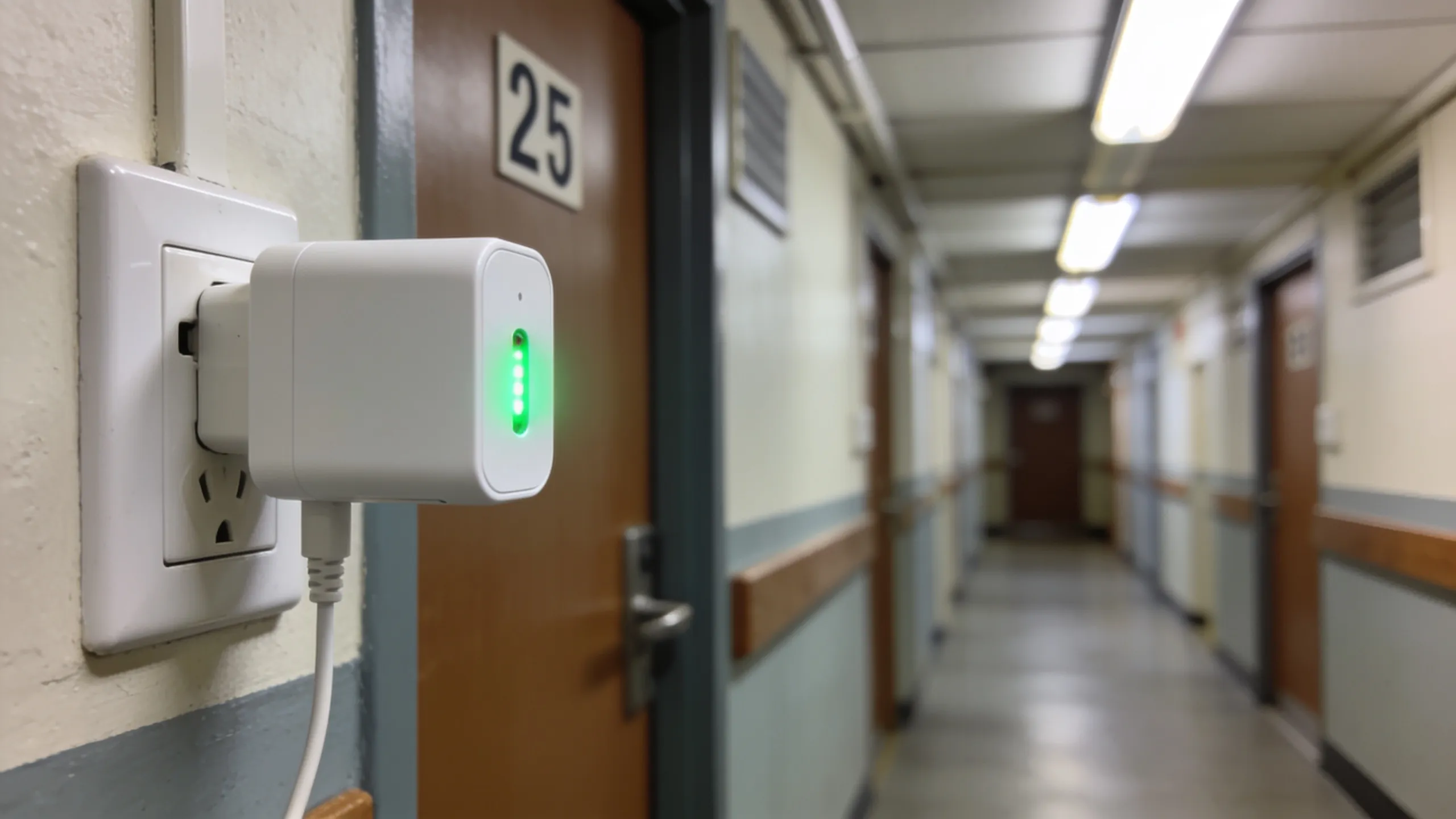 Place the extender halfway between the router and your room for the strongest signal.
USB WiFi Adapter (₹400–₹900)
If your laptop's built-in WiFi card is old or weak, an external USB adapter with a better antenna can improve speeds by 30-50%. This is common with older laptops.
- TP-Link Archer T2U (₹700), Dual-band USB adapter. Noticeable improvement on older laptops.
- Tenda U3 (₹400), Budget option. 2.4 GHz only but solid for the price.
Step 4, 4G/5G Dongle as a Backup Connection
When hostel WiFi is fundamentally broken, shared 50 Mbps plan among 100 students, ancient router, no plans to upgrade, your best option is your own mobile data connection.
Portable WiFi Dongles
A 4G/5G dongle gives you a personal WiFi hotspot. Pop in a SIM, power it on, and connect your laptop.
- JioFi JMR1040 (₹1,999), 4G, 150 Mbps max, connects up to 32 devices, 3000mAh battery. Insert a Jio SIM with a data plan.
- Airtel 4G Hotspot (₹1,500), Similar specs. Works with any Airtel data SIM.
Mobile Hotspot from Your Phone
The simplest option. Enable hotspot on your phone and connect your laptop. But this drains battery fast and heats up the phone during long sessions. Use this for short tasks, not as a daily driver.
Best Data Plans for Hostel Students (2026)
| Provider | Plan | Data | Validity | Price |
|---|---|---|---|---|
| Jio | True 5G Unlimited | Unlimited 5G (where available) | 28 days | ₹349 |
| Airtel | Smart Recharge | 1.5 GB/day 4G | 28 days | ₹299 |
| Jio | Dhan Dhana Dhan | 2 GB/day 4G | 84 days | ₹899 |
| Airtel | Unlimited 5G Plus | Unlimited 5G | 28 days | ₹399 |
| BSNL | STV 447 | 2 GB/day 4G | 60 days | ₹447 |
5G tip: If your hostel is in a 5G-covered area (most of Bangalore, Hyderabad, Pune, parts of Delhi and Mumbai), a 5G plan on your phone gives you 50-200 Mbps speeds through hotspot, faster than most hostel WiFi.
Check 5G coverage in your area on the Jio or Airtel apps before buying a plan.
Step 5, When to Demand Better WiFi from Management
If you're paying ₹8,000–₹15,000/month and the WiFi can't handle a video call, that's a service failure. Here's how to approach it:
- Document the problem. Screenshot speed tests at different hours for a week. Note dates, times, and speeds.
- Check your agreement. If "high-speed WiFi" is mentioned, the owner is obligated to deliver something reasonable. There's no legal definition of "high-speed," but sub-5 Mbps for a room you're paying premium rent for is indefensible.
- Talk to other residents first. A group complaint carries more weight. If 10 residents all report the same issue, the owner is more likely to act.
- Suggest a specific fix. Owners respond better to solutions than complaints. "The router is 5 years old and handles 50 users. A ₹3,000 dual-band router from TP-Link would fix this" is more actionable than "WiFi is bad."
- Offer to split the cost. If you and four roommates pool ₹600 each, you can buy a decent router for the floor. Some owners agree to reimburse this against rent.
If the problem is the internet plan itself (the owner is paying for 50 Mbps shared among 100 students), no router upgrade will fix it. The owner needs to upgrade the plan, and that's a conversation about value for the rent you're paying.
Our hostel room study corner setup guide covers the full desk and internet setup for productive study sessions. If you're looking for PGs in Pune with reliable broadband, check out Hinjewadi hostels, many cater to IT professionals and offer dedicated broadband lines.
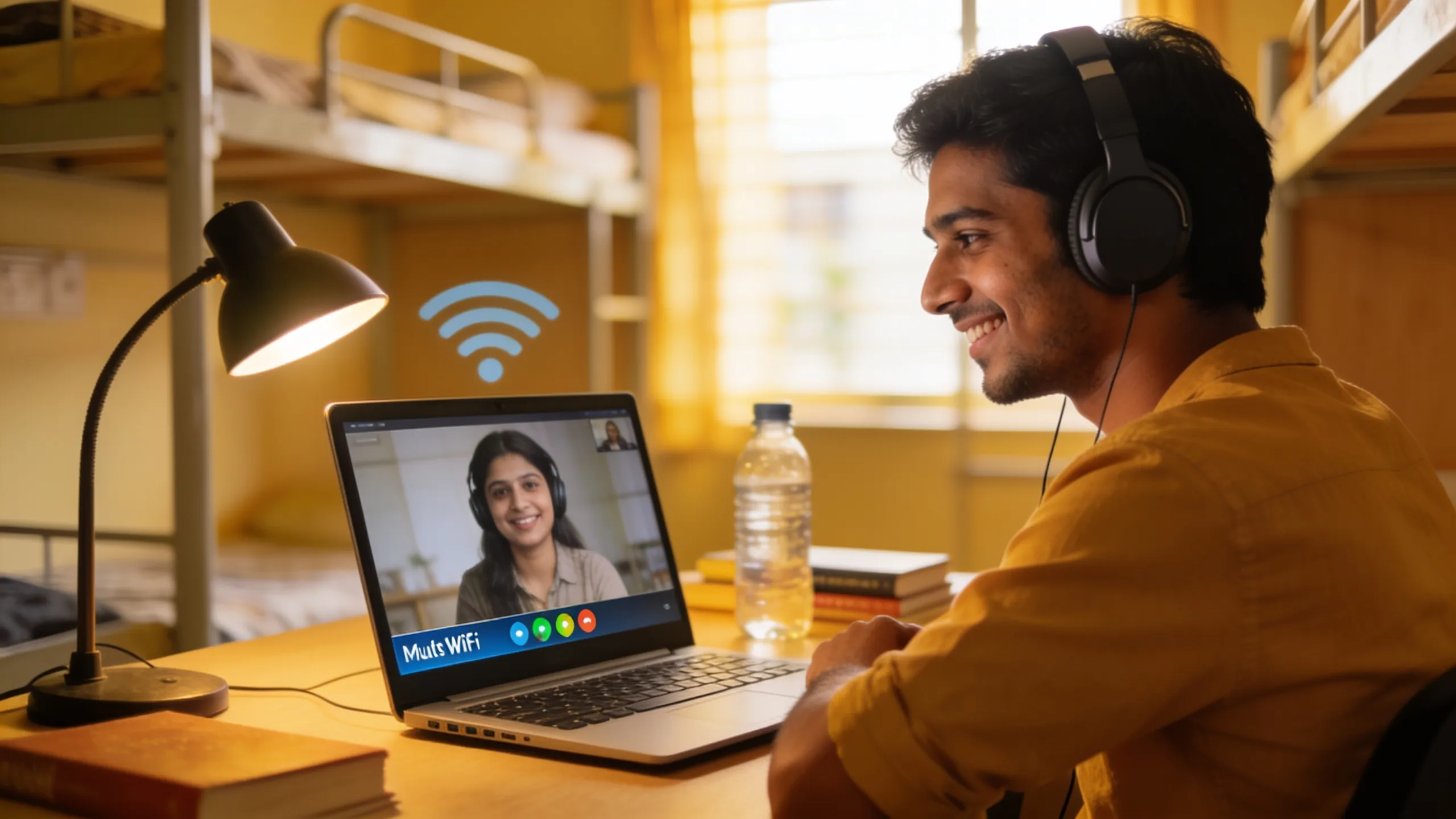 A stable 10 Mbps connection handles video calls, streaming, and online classes without buffering.
Quick Decision Guide
Not sure what to try? Follow this:
- Speed test shows 5+ Mbps near router, but slow in your room, Buy a WiFi extender (₹800–₹1,200)
- Speed test shows under 3 Mbps everywhere, Hostel's internet plan is the problem. Use mobile hotspot or dongle while pushing management to upgrade.
- Speed is fine on phone but slow on laptop, Try a USB WiFi adapter (₹400–₹700) or check if your laptop's WiFi driver needs updating.
- You need reliable internet for work or online classes, Get a dedicated 4G/5G SIM with a data plan. Don't depend solely on hostel WiFi.
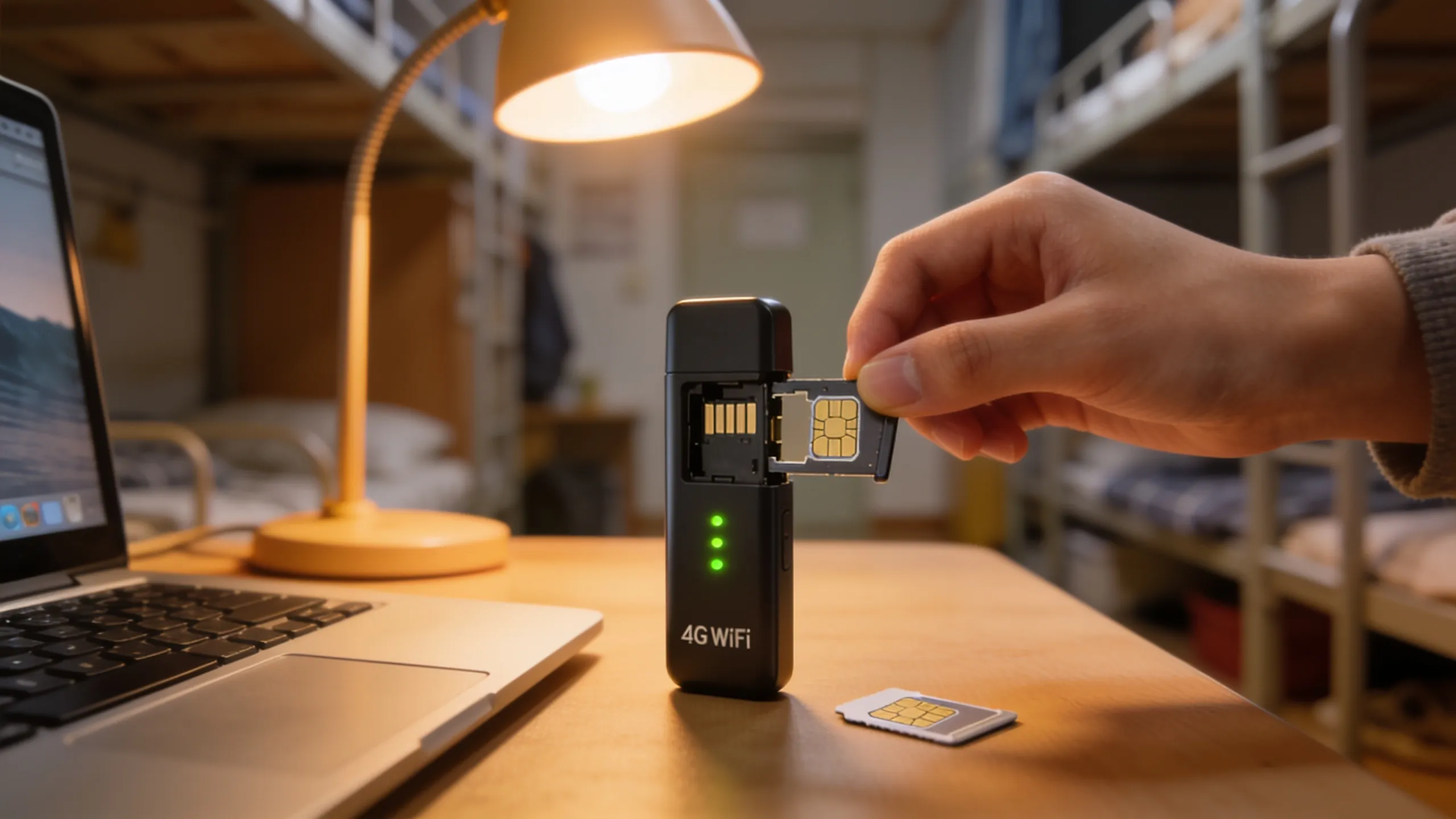 A 4G/5G dongle with a data SIM is your insurance policy when hostel WiFi lets you down.
---
Good internet starts with choosing the right hostel. Browse verified hostels on Hostel360, listings show WiFi availability and type so you can check connectivity before signing up. Also check the hostel room essentials checklist for other must-haves beyond WiFi.